

Latest build · Android

Download the latest ComeGame APK

Four steps, about three minutes, one file. This page covers the full install — Android permission prompts, storage requirements, how to update to a new ComeGame app version later, and what to do when something goes wrong. Read the two-minute version below, or jump straight to the download.

Free install · Android 7.0+ · ≈48 MB · 18+ only · Play responsibly

  • Official source only
  • Updates in place
  • ~3 minutes total
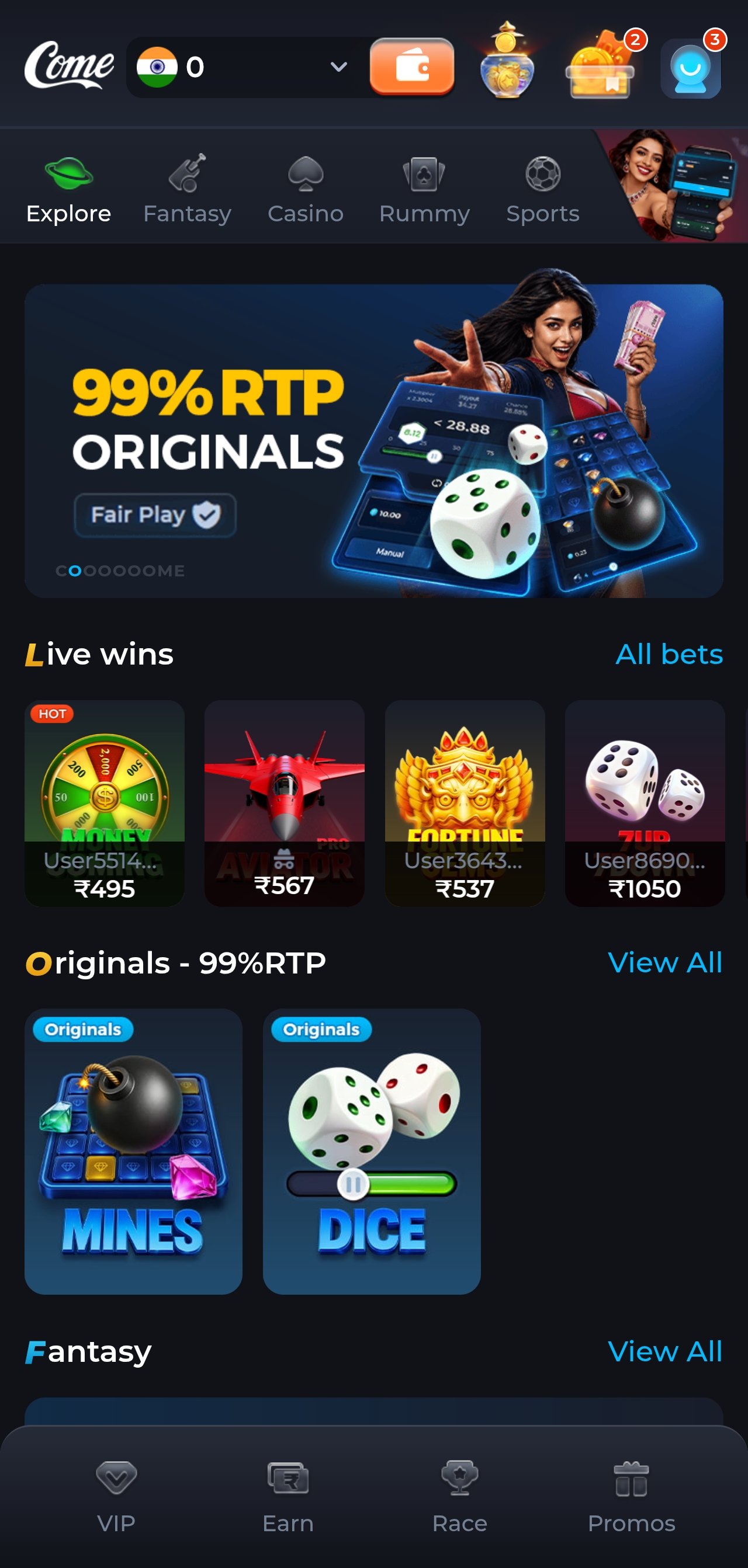
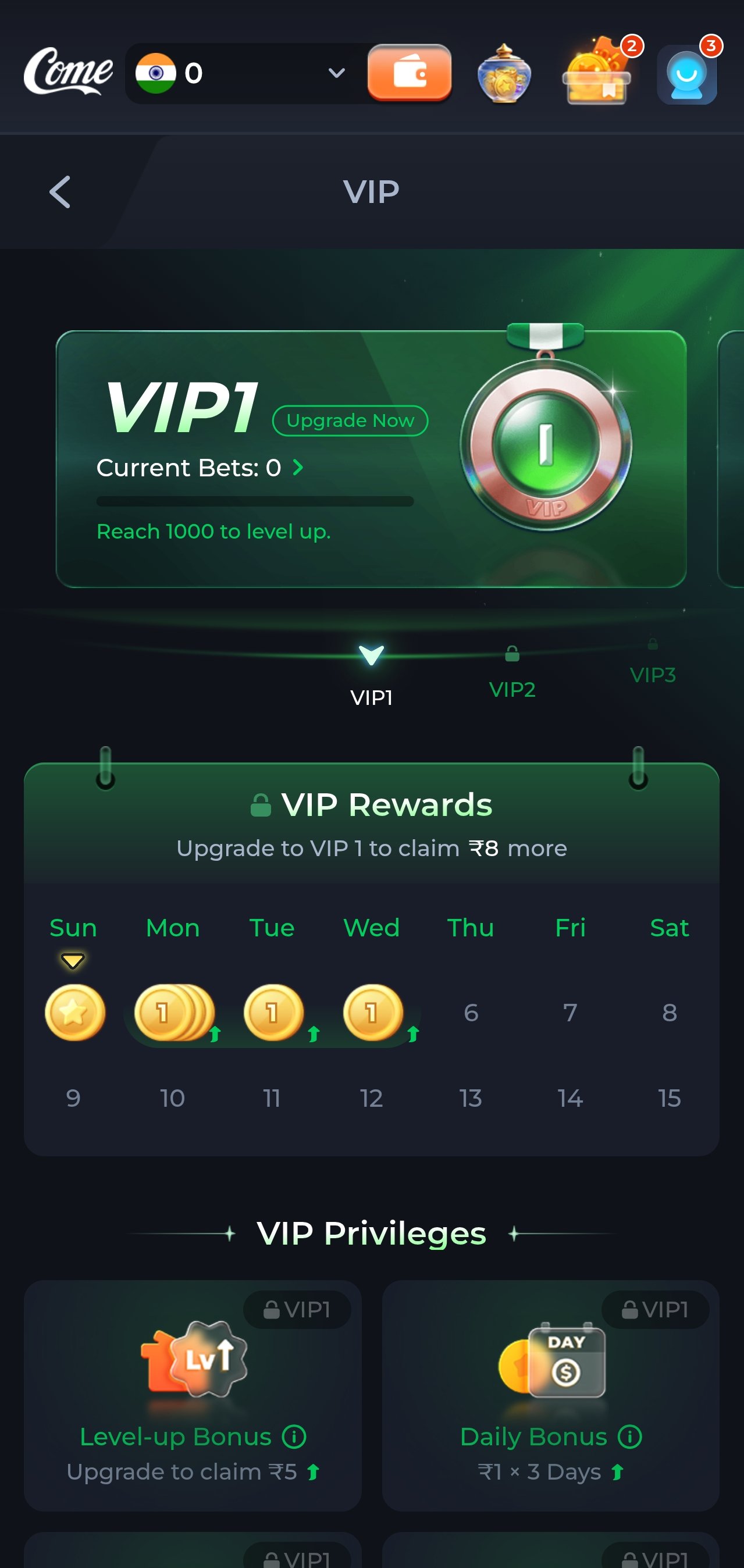
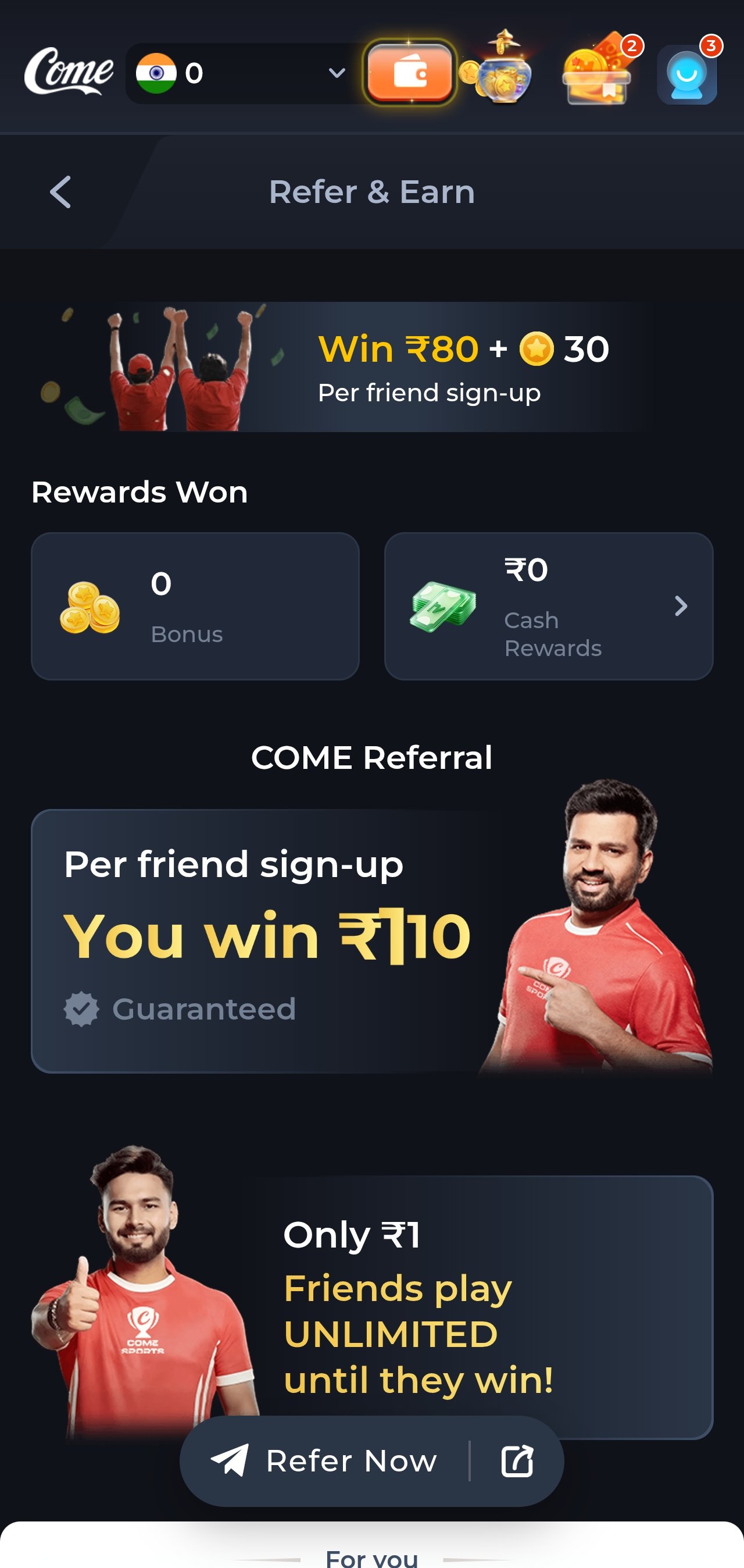
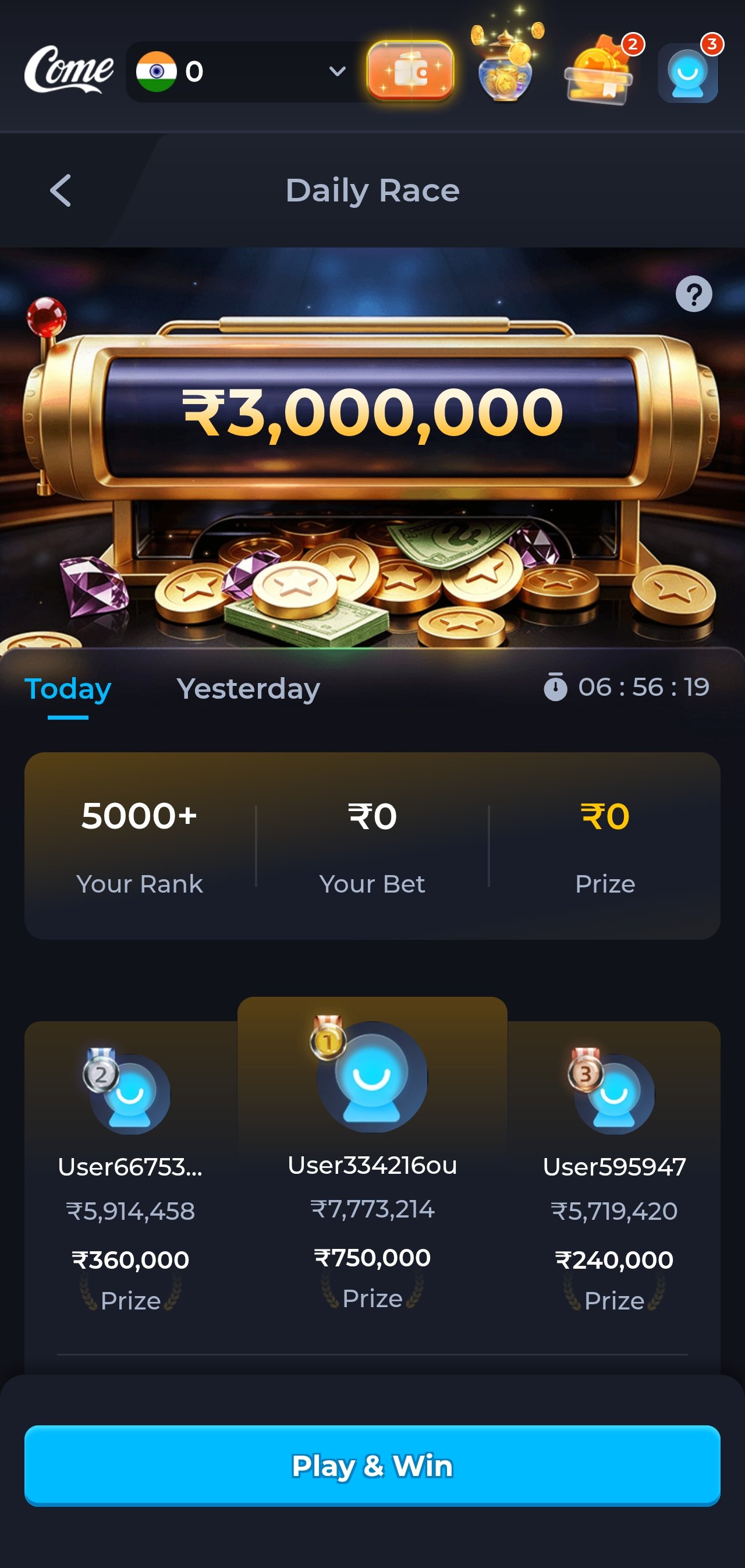
ComeGame app lobby with live wins and slot categories ComeGame app slot game selection screen ComeGame app promotions and bonus screen ComeGame app wallet and payment screen ComeGame app account and rewards screen
≈ 48 MBLight install Android 7.0+Wide device support UPI readyDeposits & payouts
Before you start

Requirements and specifications

Check these first. Almost every failed install traces back to one of the three rows below — Android version, free storage, or an old copy of the app still present.

PlatformAndroid (APK)
Minimum OSAndroid 7.0 Nougat
Install size≈ 48 MB
Free space needed≈ 150 MB after caching
Recommended RAM2 GB or more
DistributionDirect APK (not Play Store)
iOS versionMobile browser only
LanguageEnglish
RegionIndia · permitted states
Cost to installFree
Minimum age18+
Minimum deposit₹100

Why an APK and not the Play Store? Google Play's developer policy restricts real-money gambling apps and does not permit this category in India. Direct APK distribution is the standard route for every comparable platform in this market. Your phone will show a routine "unknown source" prompt during install — that is Android's normal behaviour for any off-store app, not a malware warning.

Install guide

Installing the ComeGame app, step by step

Follow these in order. Step 2 is the one people get stuck on, so it is covered in more detail than the others.

1

Download the APK from the official link

Tap the download button on this page. Your browser will warn that this file type can harm your device — that warning appears for every APK ever downloaded on Android and is not specific to this app. Choose to keep the file.

Do not use a ComeGame APK from a file-sharing site, an APK mirror, a forum post or a "mod" build. Those are the single most common source of compromised gaming accounts. One official link, every time.

≈ 48 MB · 30 seconds on 4G
2

Allow installation from your browser

Open the downloaded file from your notification shade or Downloads folder. Android will block the first attempt and offer a Settings shortcut. On Android 8 and newer, permission is granted per-app: you are allowing Chrome (or your file manager) to install apps, not granting a blanket system permission.

The path is usually Settings → Apps → Special access → Install unknown apps → [your browser] → Allow. Once granted, go back and tap the file again. You can revoke this afterwards; it is only needed at install time.

One-time permission per app
3

Install, open, and register

The install itself takes a few seconds. Open the app, register with your mobile number and confirm the OTP. Use a number you control and will keep — account recovery and withdrawal confirmations both depend on it.

Set a strong, unique password. If a gaming account shares a password with your email or bank, fix that now rather than later.

18+ · Permitted states only
4

Complete KYC and set your limits before depositing

Two things to do before your first deposit, in this order. First, complete identity verification — it takes a few minutes and means your first withdrawal is never held up by paperwork. Second, open account settings and set a deposit limit.

Setting a limit while you are calm and have not yet deposited is a completely different decision from setting one mid-session. Do it now, while it costs nothing.

Minimum deposit ₹100 · Terms apply
Reminder

Your ₹10,000 welcome package

Installing the app does not grant a bonus. The welcome package is claimed at deposit time and released in stages across your first deposits, so each stage carries a smaller, more achievable wagering target than a single lump-sum offer would.

  • Claimed at deposit, not on install — opt in or decline at the wallet screen
  • Wagering requirements apply before bonus-derived balance becomes withdrawable
  • Maximum stake limits usually apply while a bonus is active
  • Expiry window — unused bonus credit lapses after a set period

Terms apply. Bonus credit is promotional value, not cash, and is not a guarantee of any return. Full conditions are set by the operator — see our terms page for what to check before opting in.

Should you take the bonus at all?

Not automatically. A welcome bonus is worth taking if you were going to deposit and play that amount anyway, and if the wagering multiple is realistic for your normal session volume. It is worth declining if you deposit small amounts, play briefly, and want to be able to withdraw whenever you like.

The reason is simple: while bonus wagering is active, funds associated with it are not freely withdrawable. A player who deposits ₹500, plays for twenty minutes and wants to cash out is better served by plain cash than by promotional credit attached to a playthrough requirement they will not finish.

What "wagering requirement" actually means

It is a multiple of the bonus (sometimes bonus plus deposit) that must be staked before the associated balance converts to withdrawable cash. A 20× requirement on ₹1,000 of bonus credit means ₹20,000 in total stakes — which, at ₹10 per spin, is 2,000 spins. That is not unreasonable for a regular player and completely unrealistic for a casual one. Match the offer to how you actually play.

Game weighting

Not every game contributes equally. Slots typically count at or near 100% towards wagering, which is why a slots-focused platform structures offers this way. Some individual titles can be excluded entirely. The bonus terms list them — check before you assume a favourite counts.

Platform notes

Updates, other devices and keeping the app healthy

Android — the full app

The native APK is the complete experience: cached assets, lower data use, push notifications for withdrawals and promotions, and the most stable session handling on a weak connection.

Android 7.0 and above

iPhone & iPad — browser

There is no native iOS build. Open the platform in Safari and use "Add to Home Screen" for an app-like launcher. Same slot library, same wallet, higher data use because nothing caches between sessions.

iOS 14 and above recommended

Desktop — browser

The platform is reachable from a desktop browser and the larger screen suits reading paytables. Most players still prefer mobile, since that is where UPI confirmation happens anyway.

Any modern browser

Updating to a new ComeGame APK

Updates install over the existing app and preserve your account, wallet and settings. You do not need to uninstall first.

  1. Download the current APK from the official link — it always resolves to the latest build.
  2. Open the file and confirm the update prompt.
  3. Launch the app; your session and balance are unchanged.

New versions are posted in the app's own announcements screen as soon as they ship.

Keeping the install healthy

  • Clear the app cache occasionally if the lobby starts loading slowly — it does not affect your account.
  • Keep at least 150 MB free so game assets can cache properly.
  • Update when prompted — builds carry payment and security fixes, not just new games.
  • Use a device lock. Anyone who can open your phone can open a funded wallet.
Troubleshooting

When the install or the app misbehaves

Nearly every problem falls into one of these six buckets, and most are fixed in under a minute. If none of them apply, the in-app live chat is the fastest route to a human.

Common ComeGame APK problems and their fixes
SymptomMost likely causeFix
"App not installed" An older or partially removed build is still present Uninstall the previous version, then install again
Install button does nothing Unknown-sources permission not granted to that specific app Grant it to the browser or file manager you downloaded with
Download stalls partway Connection dropped; the file is incomplete Delete the partial file and download again on a stable connection
"Parse error" Corrupted download, or Android version below 7.0 Re-download; check Settings → About phone → Android version
App opens then closes Low storage or a stale cache Free up space, clear the app cache, relaunch
OTP does not arrive Network delay or DND settings blocking service messages Wait 60 seconds, request again, check your DND / spam filter
Games load slowly Assets re-downloading after a cache clear Normal on first launch; subsequent loads are faster
Withdrawal pending KYC incomplete, name mismatch, or active bonus wagering Check verification status and bonus balance in the wallet
Stay safe

APK safety — what actually matters

Installing an app from outside the Play Store is not inherently dangerous. Installing one from an unknown source is. The distinction is worth understanding, because it is the single most important security decision you make here.

One source, always

Use the official download link on this page and nothing else. APK mirrors, "modded" builds promising free credits, and files shared in random groups are how gaming accounts get emptied. There is no legitimate reason to use an alternative source.

Protect the account, not just the phone

Use a unique password, never reuse your email or banking password, and keep a screen lock enabled. A funded gaming wallet on an unlocked phone is an open wallet on an unlocked phone.

Nobody legitimate asks for your OTP

Not support, not an admin, not anyone on social media. Any message asking for your one-time password, password or remote screen access is a scam without exception — including messages that appear to come from an official-looking account.

Download FAQ

ComeGame APK questions, answered

The APK obtained from the official download link is the operator's own build. The real risk with any APK is the source: repackaged or modded builds distributed on file-sharing sites and unofficial mirrors can carry injected code.

Only install from the official link. If Android shows an unknown-source warning during install, that is standard behaviour for any app distributed outside the Play Store — it is not a virus detection.

Google Play's developer policy restricts real-money gambling applications and does not permit this category in India. That is why ComeGame — like effectively every comparable platform serving this market — distributes a direct Android APK instead. It is a distribution-policy restriction, not a reflection of the app's technical quality.

Android 7.0 (Nougat) or newer, roughly 48 MB for the install itself and around 150 MB of free space once game assets have cached. At least 2 GB of RAM is recommended for smooth play. There is no official iOS build; iPhone users can reach the same platform through the mobile browser.

The official download link always resolves to the current build, so re-downloading and installing over the existing app updates it while keeping your account and settings. The app also prompts in-app when a newer version is available, and new releases are posted in the app's own announcements screen as soon as they ship.

Check four things in order: that install-from-unknown-sources is enabled for the specific browser or file manager you downloaded with; that the download finished completely rather than stalling; that you have enough free storage; and that no older or partially removed copy of the app is still present.

Uninstalling any previous version and re-downloading resolves the large majority of failed installs. The troubleshooting table above covers the rest.

Yes. Identity verification is required before a first withdrawal. Complete it immediately after registering rather than waiting, so a cash-out is never delayed by paperwork at the point you actually want the money. Your withdrawal destination must resolve to the same legal name as your verified identity document — UPI IDs registered to a relative's name will be rejected.

There is no native iOS application. iPhone and iPad users can access the same platform and the same slot library through Safari or another mobile browser, and can add it to the home screen for faster access. The browser route uses more data than the Android app because assets are not cached locally between sessions.

No. Installing the app does not grant a bonus. The welcome package is claimed at deposit time and released in stages across your first deposits, subject to wagering requirements, game weightings, maximum stake limits while wagering, and an expiry window set by the operator.

You can also decline it and play with plain cash if the conditions do not suit how you play — often the better choice for casual, low-volume players. Terms apply.

Get the latest ComeGame app

One official link, a three-minute install, and 75 slots waiting. Set your limits before your first deposit.